How to Play Null’s Brawl Online Multiplayer with Friends
If you’re a fan of action-packed multiplayer games, Null’s Brawl APK is a must-try. This modded version of Brawl Stars gives you free access to all brawlers, skins, events, and resources; no grinding or spending money is required. But the real excitement? You can play online with your friends for free!
In this guide, we’ll show you how to play Null’s Brawl online with friends, tips for smooth gameplay, and how to host custom tournaments.
Why Play Null’s Brawl with Friends?
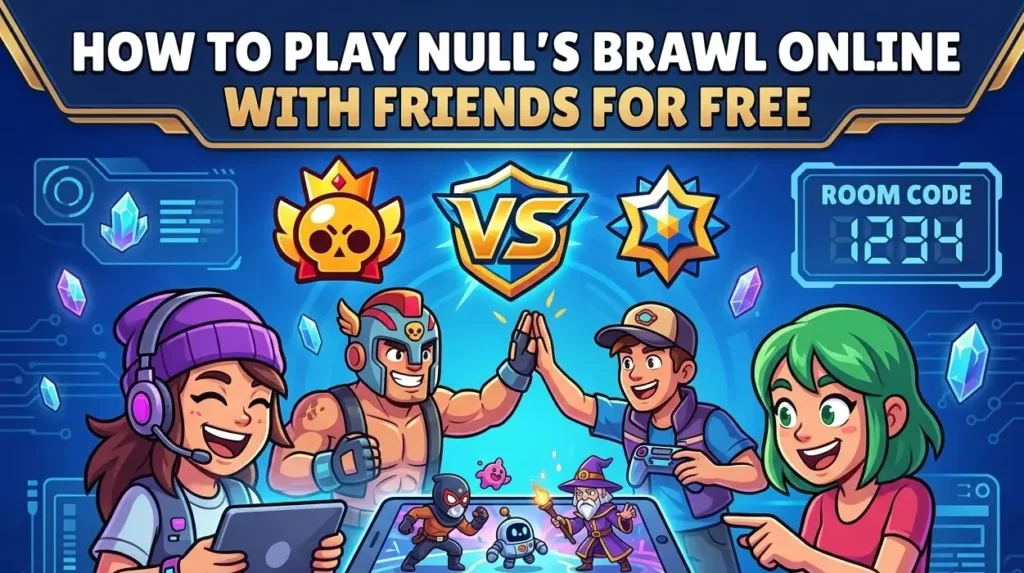
Playing alone can be fun, but teaming up with friends takes the experience to the next level. Here’s why:
✅ Host custom tournaments and events for endless fun
✅ Create private rooms and play only with friends
✅ Test new Brawlers and abilities together
✅ 100% free, no spending required
✅ Strategize and enjoy teamwork in 3v3 or duo battles
How to Play Null’s Brawl Online with Friends
Follow these steps to start battling with your friends:
Step 1: Download the Latest Version
- Make sure all your friends are using the same version of Null’s Brawl to avoid connection errors.
- Download from the official website or a trusted source to prevent bugs or fake APKs.
Step 2: Install and Launch
- Install the APK on your Android device (enable unknown sources in settings if needed).
- Open the game and wait for it to load fully.
Step 3: Create Account or Play as Guest
Enjoy all Brawlers, skins, and coins unlocked.
Tap Start or Play as Guest.
Your data may already be saved on the server if you’ve played before.
How to Add or Invite Friends
Option 1: Create a Friendly Battle Room
- Tap Friendly Game in the main menu.
- Select a game mode (Gem Grab, Showdown, etc.).
- Tap Create to start a new room.
- Share the Room Code with your friends.
- Friends join via Friendly Game > Join using the same code.
- Start the match and enjoy!
Option 2: Play in 3v3 or Duo Matches
- Tap Team from the main menu.
- Select Invite to add friends.
- Make sure your friends are online to accept the invite.
- Jump into public matches together for team battles.
Do You Need Internet?
Yes! Null’s Brawl requires Wi-Fi or mobile data for all multiplayer features. Offline play is limited to solo practice against bots.
Troubleshooting Connection Issues
Can iOS Users Join Android Players?
Tips for Smooth Multiplayer Gameplay
Hosting Custom Tournaments in Null’s Brawl
Null’s Brawl lets you host mini-tournaments and custom events:
Perfect for streamers, content creators, or just fun sessions with friends.
Frequently Asked Questions
Conclusion
Null’s Brawl APK is the ultimate way to enjoy Brawl Stars-style gameplay with your friends for free. No need to buy gems, unlock Brawlers, or wait for updates; everything is already unlocked.
From friendly battles to custom tournaments, Null’s Brawl makes multiplayer gaming more fun and exciting. Gather your friends, create a room, and start battling today because it’s always better when you play together!